geyser
  • Home
  • Module Guide
  • Developer Guides
    • Architectural Overview
    • R Developer Guide
    • Python Developer Guide
  • Docs & Slides
    • Overview
    • R Shiny Slides
    • Python Shiny Slides
  • Demos Gallery
    • Gallery Overview
    • Build Module
    • Connect Modules
    • Python Module
    • Quarto Shinylive
    • Posit Gallery

Geyser Demos Gallery

Explore interactive R Shiny modules powered by WebAssembly (Shinylive)

This page showcases different methods of displaying Shiny apps alongside their code, ranging from standard iframe embeds to serverless WebAssembly-powered modular R applications running completely in your browser.
Build Module (Shinylive)

A serverless WebAssembly-powered R Shiny app running directly in the browser using the package’s modular code, with full source tabs.

Brian S. Yandell

Connected Modules (Shinylive)

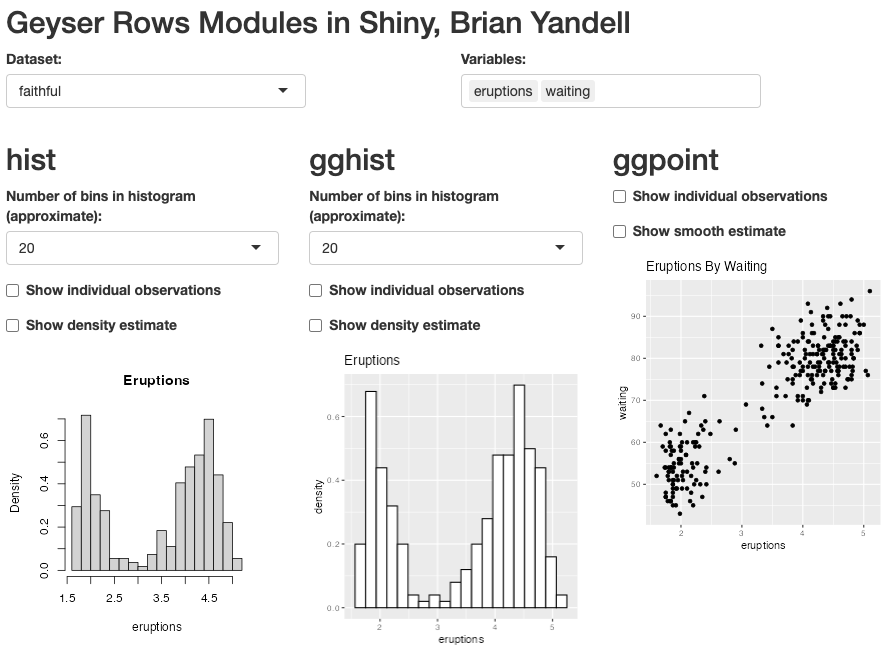
An advanced Shiny application demonstrating how multiple independent modules connect, share reactive data, and communicate within a navigation bar layout.

Brian S. Yandell

Posit Gallery Example

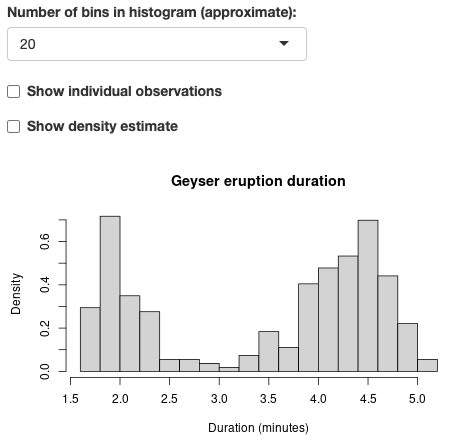
The classic Old Faithful Shiny app as hosted on the official Posit Shiny Gallery, embedded using a traditional iframe.

Brian S. Yandell

Python Module (Shinylive)

A serverless WebAssembly-powered Python Shiny app demonstrating the implementation of custom modules in Python using shiny.module.

Brian S. Yandell

Quarto Dashboard

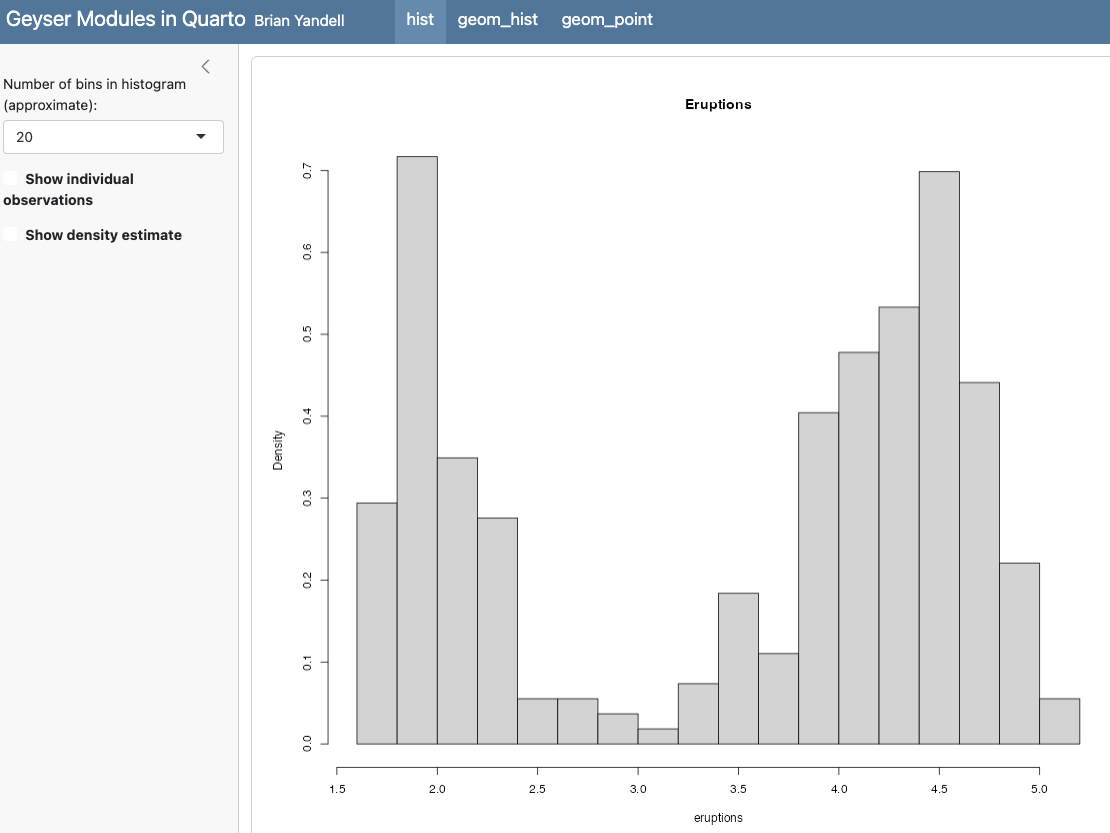
A native Quarto Dashboard layout showing Shiny module connections. Note: Runs via an embedded iframe from Posit Connect.

Brian S. Yandell
No matching items